Stop your AI from writing old website code
In 25 minutes you install Modern Web Guidance in Claude Code, set what browsers you support, turn telemetry off and watch your AI build a popup and a growing text box the modern way.
25 minutes // Automation
- Category
- Automation
- Time
- 25 minutes
- Published
- Sections
- 9 sections
- Author
- Emre Çakan
Works with
-
 Claude Code
- Modern Web Guidance
- Node.js
 Video Watch the video Reels · Open on Instagram Instagram word:
Who it is for
- People who build websites or apps with Claude Code, Cursor or Codex
- Founders and marketers whose AI built pages are slow or full of extra code
- Anyone who wants to check an older project for outdated patterns
What is inside
- What Modern Web Guidance is and what it contains
- Install it and turn the telemetry off
- Tell your AI which browsers you support
- Try it before you build anything
- Build a popup and a growing text box the modern way
- Scan an old project for outdated code
Start here
What you will build
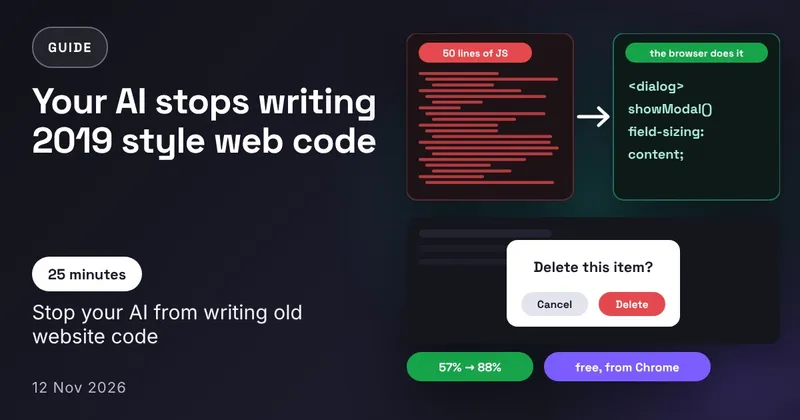
an AI that checks the current way before it writes web code. Modern Web Guidance is a free skill made by the Chrome team with Microsoft Edge, Mozilla Firefox and MDN. AI models learned from years of old code, so they often write long scripts for things the browser now does alone, such as a popup or a text box that grows as you type. The skill gives your AI more than 200 short guides on the current way, and tells it how to stay safe for older browsers. You install it, set which browsers you support, and see your AI build two small things the modern way.
What you need
- Claude Code, installed. Download it at claude.com/download. Other AI coding tools work too, and the install command in step 2 finds them
- Node.js 22 or newer, free at nodejs.org. Check it with
node --version - A web project folder. Any small test folder works for the examples. An older project is best for the scan in step 6
- Time: 25 minutes
First thing to do
enter your email below and open step 1.
What is inside
- What Modern Web Guidance is and what it contains
- Install it and turn the telemetry off
- Tell your AI which browsers you support
- Try it before you build anything
- Build a popup and a growing text box the modern way
- Scan an old project for outdated code
- Example input and output
7 more sections
Enter your email to read the full guide.
Every step, prompt and template. One email opens every guide on this device.