Let Fable plan your 2027 before it goes paid
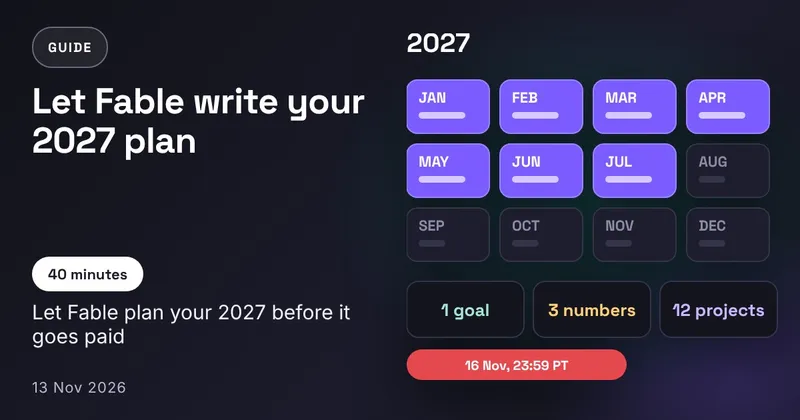
In 40 minutes you check your Fable access, run an interview prompt that pushes back on vague answers and finish with a 2027 plan: one goal, three numbers, a project for every month and your first three tasks.
40 minutes // Daily work
- Category
- Daily work
- Time
- 40 minutes
- Published
- Sections
- 9 sections
- Author
- Emre Çakan
Works with
-
 Claude
- Fable 5.2
 Video Watch the video Reels · Open on Instagram Instagram word:
Who it is for
- Claude Pro, Max, Ultra and Team users who want to use the Fable days before they end
- Anyone who wants a real plan for 2027, not a list of wishes
- People who start the year with big goals and lose them by February
What is inside
- Check your Fable access and the deadline
- Pick one area of your life and prepare
- Run the interview prompt
- Answer so the plan can be built
- Read the plan and fix what is weak
- Keep the plan after the deadline
Start here
What you will build
a plan for 2027 written the way a product team plans a launch. You open Claude, pick Fable 5.2 and paste an interview prompt. Fable asks you questions one at a time. It wants a number and a date for every goal, and it does not accept vague answers. When it has enough, it writes your plan: one goal, three numbers to track, one project for every month and three tasks you can start tomorrow. The plan is a text you keep. It stays yours even after Fable stops being included in your plan.
The deadline
according to Claude's Help Center, Fable models are included from 9 November to 16 November 2026 at 11:59 pm Pacific time, up to 50 percent of your weekly usage limits. This applies to Pro plans and standard Team seats. Max, Ultra and premium Team seats get one to three resets that last until 8 March 2027. After the week, Fable runs on usage credits if you have turned them on. Free plans are not included, and paid billing must have started before 9 November at 10:00 am Pacific time.
What you need
- A Claude plan with the Fable launch offer (Pro, Max, Ultra or Team). Check it in step 1
- Claude on the web, in the desktop app or on your phone. Download it at claude.com/download
- 40 minutes without interruptions. The interview works best when you answer honestly and do not rush
- A place to save the plan: a notes app, a document or a calendar
First thing to do
enter your email below and open step 1.
What is inside
- Check your Fable access and the deadline
- Pick one area of your life and prepare
- Run the interview prompt
- Answer so the plan can be built
- Read the plan and fix what is weak
- Keep the plan after the deadline
- Example input and output
7 more sections
Enter your email to read the full guide.
Every step, prompt and template. One email opens every guide on this device.