Cut your long videos into shorts for free
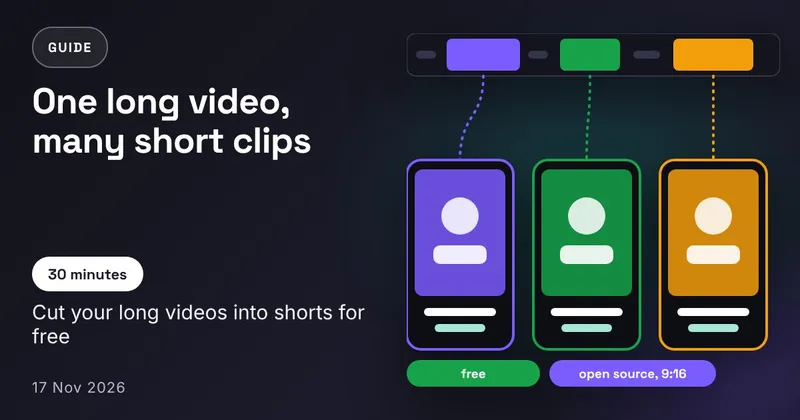
In 30 minutes you install OpenShorts with Docker, add a free Gemini key, turn one long video of your own into vertical clips with subtitles, and learn what to check before you post a single clip.
30 minutes // Content
- Category
- Content
- Time
- 30 minutes
- Published
- Sections
- 9 sections
- Author
- Emre Çakan
Works with
- OpenShorts
-
 Docker
-
 Google AI Studio
 Video Watch the video Reels · Open on Instagram Instagram word:
Who it is for
- Creators with long videos, streams, podcasts or talks who want short clips without paying a monthly fee
- Small businesses that record webinars, demos or events and want clips for Reels, TikTok and Shorts
- Anyone tired of courses that sell clip income and want to see the real tool first
What is inside
- Check your computer and install Docker
- Get a free Gemini key
- Download and start OpenShorts
- Upload a long video and generate clips
- Review and fix the clips
- Check your rights before you post
Start here
What you will build
a small clip factory on your own computer. You upload one long video. OpenShorts finds the strongest moments, cuts each one into a vertical clip and burns the subtitles in. You review the clips and keep the good ones.
A word about income claims
you may have seen posts that promise a fixed monthly income from cutting clips of a famous game or stream. A tool cannot promise income. It saves you editing time, and that is all. What you earn depends on your content, your audience and your rights to the video. OpenShorts costs nothing to install, so you can try it before you pay anyone for a course.
What it is
OpenShorts is an open source project on GitHub. The core app uses the MIT license. It runs in Docker on your computer, and the project page says it needs a Google Gemini key, which is free to get. Only the transcript goes to Gemini, not the video file.
What you need
- A computer with 8 GB of RAM or more. A graphics card is optional. Without one, the project page says a short video takes about as long as the video itself, so expect minutes of waiting
- Docker Desktop, installed in step 1
- Git, to download the project. Check it in step 3
- A Google account for the free Gemini key in step 2
- One long video that you own or that you have permission to cut. Up to 2 GB, according to the project page
- 30 minutes
First thing to do
enter your email below and open step 1.
What is inside
- Check your computer and install Docker
- Get a free Gemini key
- Download and start OpenShorts
- Upload a long video and generate clips
- Review and fix the clips
- Check your rights before you post
- Example input and output
7 more sections
Enter your email to read the full guide.
Every step, prompt and template. One email opens every guide on this device.