Build your own Jarvis that briefs you every morning
In 45 minutes you install OpenJarvis with Claude Code, connect your email and calendar, pick a voice and get your first morning briefing, text or spoken, with a daily schedule set.
45 minutes // Daily work
- Category
- Daily work
- Time
- 45 minutes
- Published
- Sections
- 9 sections
- Author
- Emre Çakan
Works with
- OpenJarvis
-
 Claude Code
- Gmail
 Video Watch the video Reels · Open on Instagram Instagram word:
Who it is for
- People who open the day with a full inbox and want to know what matters before they read it
- Claude Code users who want to try a local assistant that runs on their own computer
- Anyone curious about a free alternative to a paid assistant, on their own terms
What is inside
- Get ready and find the official source
- Let Claude Code read the installer, then install
- Check that it works
- Choose the morning briefing and a voice
- Connect Gmail and Calendar
- Run your first briefing and schedule it
Start here
What you will build
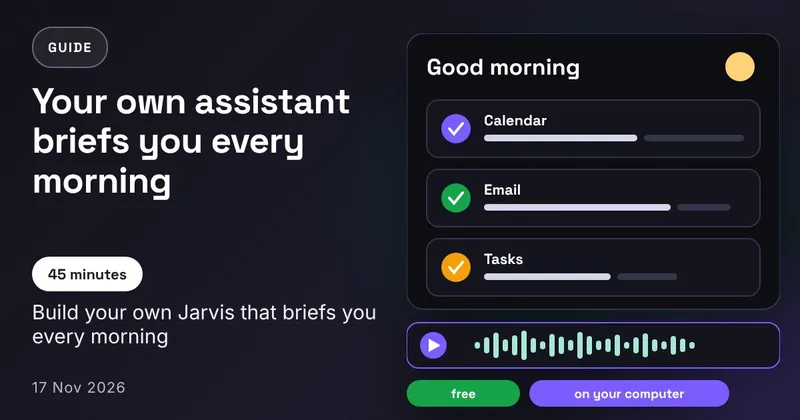
a personal morning briefing on your own computer. OpenJarvis reads your calendar and your email, summarizes what matters for today and reads it out in the voice you pick. You set it once, and it runs on a schedule.
What it is
OpenJarvis is an open source framework for personal AI that runs locally by default. Its GitHub page says it is developed at Hazy Research and the Scaling Intelligence Lab at Stanford, and the license is Apache 2.0. The official page is github.com/open-jarvis/OpenJarvis. Copies of the name exist on GitHub from other people, so use this link only.
What to expect, honestly
the software is free, and the language model runs on your computer through Ollama. The spoken voice is different. The briefing is spoken through a voice service, Cartesia or OpenAI according to the docs, and those need their own key and may cost money. Without a key you still get the full briefing as text. The docs describe a spoken briefing, not a back and forth voice chat, so this guide builds the briefing.
What you need
- Claude Code, installed. Download it at claude.com/download
- A Mac, Linux or Windows computer. The docs ask for Python 3.11 to 3.13. Claude Code checks this for you in step 2
- About 10 GB of free disk space for the local model. The docs list downloads from about 1 GB to 15 GB depending on the model
- A Gmail account and a Google Calendar. Use a day to day account, not a work account with strict rules, unless you are allowed to
- 45 minutes
First thing to do
enter your email below and open step 1.
What is inside
- Get ready and find the official source
- Let Claude Code read the installer, then install
- Check that it works
- Choose the morning briefing and a voice
- Connect Gmail and Calendar
- Run your first briefing and schedule it
- Example input and output
7 more sections
Enter your email to read the full guide.
Every step, prompt and template. One email opens every guide on this device.