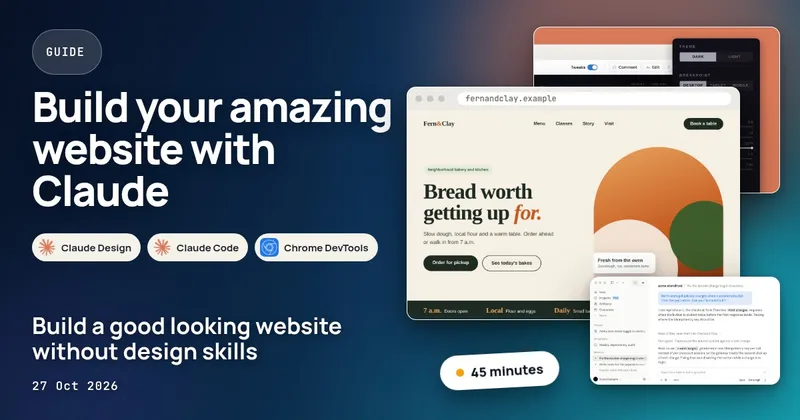
Build a good looking website without design skills
Describe your business in one sentence and end with a real, good looking website online.
45 minutes // Daily work
- Category
- Daily work
- Time
- 45 minutes
- Published
- Sections
- 11 sections
- Author
- Emre Çakan
Works with
-
 Claude Design
- Claude Code
-
 Chrome DevTools MCP
-
 Google Chrome
-
 Node.js
-
 Netlify
 Video Watch the video Reels · Open on Instagram Instagram word:
Start here
What you will build
A real website that looks designed. You describe your business in one sentence. Claude Design makes the look. Claude Code builds the site from it. The Chrome DevTools MCP lets Claude Code open the site in Chrome, look at it and fix it.
What you need
- A Mac, Windows or Linux computer with internet. macOS 13 or later, Windows 10 version 1809 or later, or Ubuntu 20.04 or later, Debian 10 or later. 4 GB of RAM or more.
- A Claude account. Claude Code needs a Pro, Max, Team or Enterprise plan, or a Console account. The Free plan does not include Claude Code. Pick a plan here. Choose Pro.
- Node.js (LTS version)
- Google Chrome
- A Netlify account to put the site online
- One sentence that says what your business sells or does
First thing to do
Enter your email below to open step 1.
What you will have at the end
A real good looking website for your business, online at a Netlify web address.
What is inside
| Section | What it covers |
|---|---|
| 1. Ask Claude Design for a look | One prompt gives you a visual design for your business |
| 2. Install Claude Code | One install command for your system, then a version check |
| 3. Install the Chrome DevTools MCP | One command that lets Claude Code open and inspect your site in Chrome |
| 4. Start Claude Code in your website folder | Make the folder, start Claude Code and sign in |
| 5. Send the design to Claude Code and build | Hand the design over and get an index.html file |
| 6. Compare the site to the design and fix it | Claude Code screenshots the site in Chrome and fixes what does not match |
| 7. Final check | One prompt checks the site against a list |
| 8. Put your site online | Drag your folder into Netlify Drop |
| 9. Example input and example output | A made up example run, start to finish |
9 more sections
Enter your email to read the full guide.
Every step, prompt and template. One email opens every guide on this device.