Audit your Meta and Google ad accounts with Claude Code
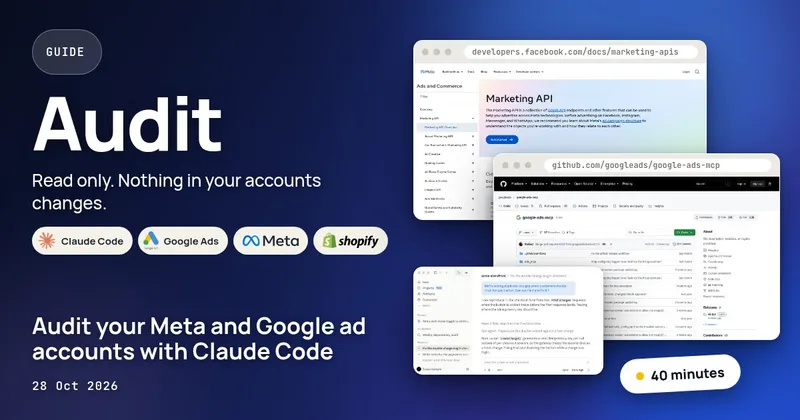
You get nine read only audits and a weekly brief that tells you what to fix first in your ad accounts, and none of them can change a thing.
40 minutes // Marketing
- Category
- Marketing
- Time
- 40 minutes
- Published
- Sections
- 27 sections
- Author
- Emre Çakan
Works with
-
 Claude Code
-
 Google Ads
-
 Meta
-
 Shopify
 Video Watch the video Reels · Open on Instagram Instagram word:
What is inside
- A budget pace prompt that works in any Claude chat
- A read only setup with deny rules that block every write tool
- Read only connections for Google Ads, Meta and Shopify
- Nine audit skills, each a full SKILL.md you copy and run with one command
- A weekly brief skill that runs all nine
- A cron schedule with claude -p
- What goes wrong and how to fix it
- The thresholds and definitions behind every finding
Start here
In short
Claude Code can audit your Google Ads, Meta and Shopify accounts every week for the problems that quietly waste spend, without changing anything in any account. Nine saved Claude Code skills connect read only and check the accounts, a tenth runs all nine and writes one short brief, and a weekly schedule reruns it. You need Claude Code installed and logged in, Python 3.10 or later, a terminal, and admin rights on Google Ads, Meta Business Manager and your Shopify store so you can create read only access; the first budget pace check needs only any Claude chat.
What you will build
a weekly check of your Google Ads, Meta and Shopify accounts for the problems that quietly waste spend, run with one command, with nothing changed in any account. Nine saved Claude Code skills audit the accounts. A tenth skill runs all nine and writes one short brief. A weekly schedule reruns it. The audits read and report. They cannot change a bid, pause a campaign or touch an ad.
What you need
Claude Code installed and logged in, Python 3.10 or later, a terminal, and admin rights on your Google Ads account, your Meta Business Manager and your Shopify store, so you can create read only access. The first check needs only any Claude chat. Time: the first check takes one paste. The setup time depends on approvals from Google, Meta and Shopify, so there is no promised number.
First thing to do
Enter your email below to open step 1.
What you will have at the end
a budget pace check you ran by hand, nine audit skills connected read only to your accounts, one brief skill and a weekly schedule.
What is inside
| What was promised | Where it lives |
|---|---|
| A prompt that checks this month's budget pace by hand | 24. First check |
| The audit folder and the rules that block every write tool | Section 1 |
| The folder and the settings file every audit reads | Step 1 |
| One time read only connection to Google Ads | Step 2 |
| One time read only connection to Meta | Step 3 |
| One time read only connection to Shopify | Step 4 |
| Nine audit skills, each run with one command | Steps 5 to 13 |
| One skill that runs all nine and writes a short brief | Step 14 |
| A weekly schedule | Step 15 |
| What goes wrong and how to fix it | 20. What goes wrong |
| Thresholds and definitions | 21. The rules behind the result |
25 more sections
Enter your email to read the full guide.
Every step, prompt and template. One email opens every guide on this device.