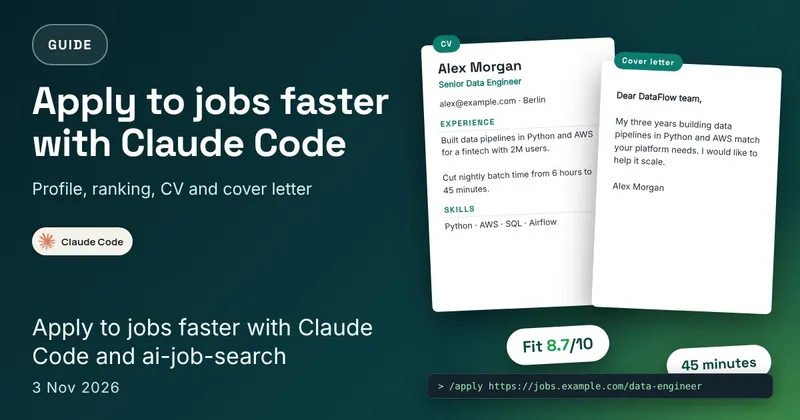
Apply to jobs faster with Claude Code and ai-job-search
In 45 minutes you will have a complete job application workflow running on your machine.
45 minutes
- Time
- 45 minutes
- Published
- Sections
- 13 sections
- Author
- Emre Çakan
Works with
- Claude Code
 Video Watch the video Reels · Open on Instagram Instagram word:
Who it is for
- Job seekers who want faster applications
- Developers and technical professionals
- Anyone applying to multiple jobs
What is inside
- Install Claude Code and job search tools
- Build your profile from your CV
- Find and shortlist jobs by fit
- Generate tailored CVs and cover letters
- Track applications and outcomes
Start here
What you will build
A workflow on your machine that finds job postings, evaluates which match your goals, and generates tailored CVs and cover letters for each application—all run from Claude Code.
What you need
- Mac, Windows, or Linux machine
- Claude Code (requires Claude Pro, Max, Team, or Anthropic API credits)
- Python 3.10+
- Bun (installer below handles it)
- LaTeX distribution (installer below handles it)
- Your CV or LinkedIn profile (optional)
First thing to do
Enter your email below to open step 1.
What you will have at the end
- Your profile stored locally on your machine
- Job postings automatically downloaded and ranked by fit
- Ready-to-send CV and cover letter PDFs for each job
- A record of every application and outcome
What is inside
- Install Claude Code and Python
- Install Bun and LaTeX
- Fork and clone the ai-job-search repository
- Install job search tools
- Build your profile with
/setup - Search for job postings with
/scrape - Shortlist jobs by fit with
/rank - Apply with tailored CV and cover letter using
/apply - Track applications with
/outcome - Example input and output
11 more sections
Enter your email to read the full guide.
Every step, prompt and template. One email opens every guide on this device.